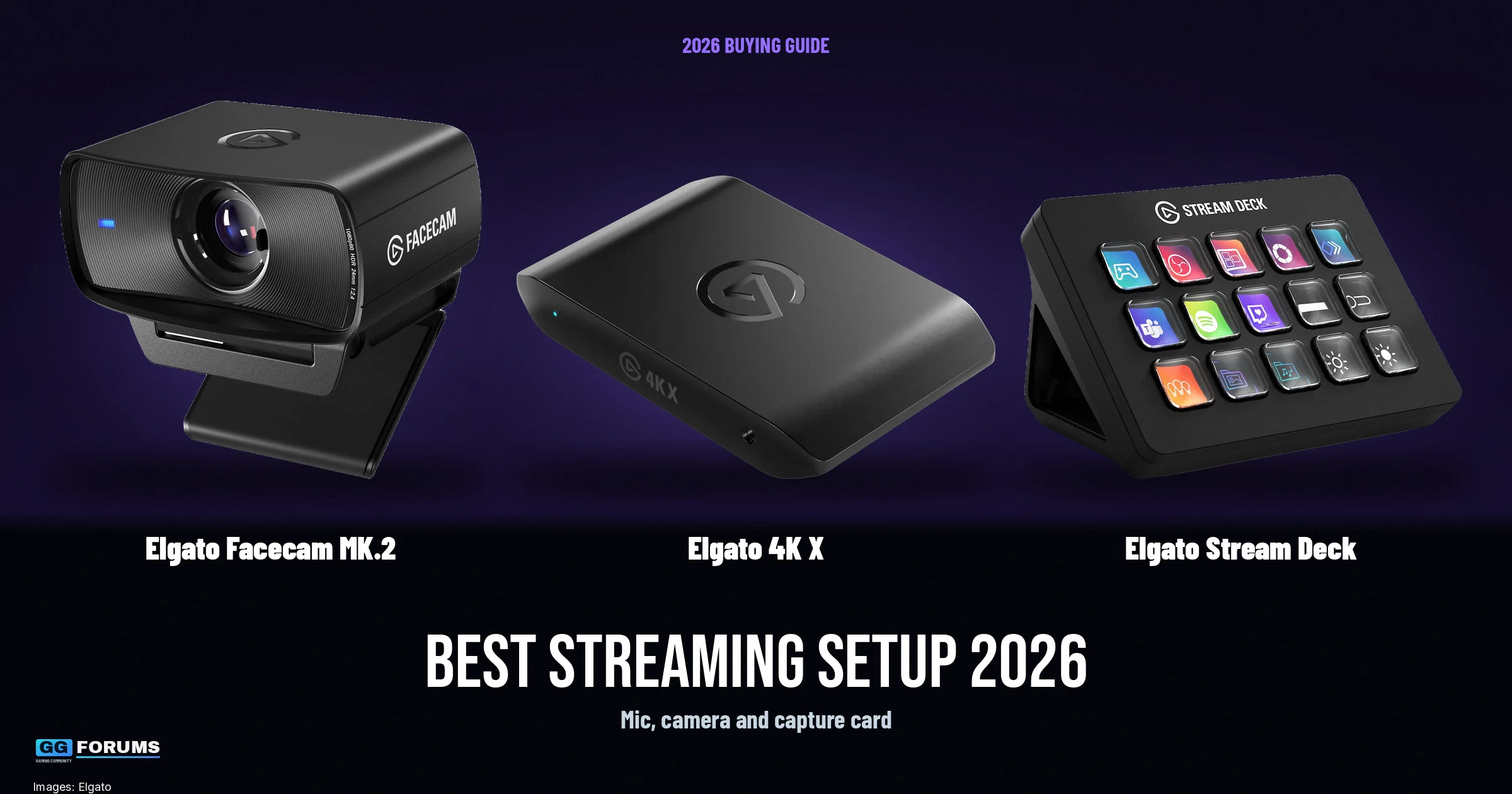
- Microphone first. If you only talk in party chat, a decent headset boom may be enough. If you are actually streaming or recording, buy a dedicated mic. Look for a USB mic you can sit on a small arm, or an XLR mic if you already have an interface and want more control.
- Camera second. 1080p at a clean 30 or 60 fps, in a position where the light is in front of you, will beat a 4K webcam in a dark corner every time.
- Capture card only if you need one. If you only stream PC games played on the same PC, you do not need a capture card. OBS captures the game directly. Buy one when you are bringing in a console, camera, handheld, or second PC. Internal PCIe or external USB both work, and the card should support the HDMI version and passthrough your source uses.
- Lighting and a cheap boom arm will improve a midrange mic and camera more than a jump to a flagship.
- If you only stream PC games played on the same PC, you do not need a capture card. OBS captures the game directly. Buy one when you are bringing in a console, camera, handheld, or second PC. Internal PCIe or external USB both work.
- Do not assume a "4K" webcam is the upgrade you need. Lighting and placement matter more.
- Do not assume a headset mic is automatically bad, or automatically good enough for a public stream. Listen to a sample, then decide.
- Check console compatibility and HDMI passthrough before you buy a capture card, especially if you play at 4K or use variable refresh rate.
- A crowded RGB "starter kit" can still include a weak mic and a weaker light. Buy the pieces you will actually use.