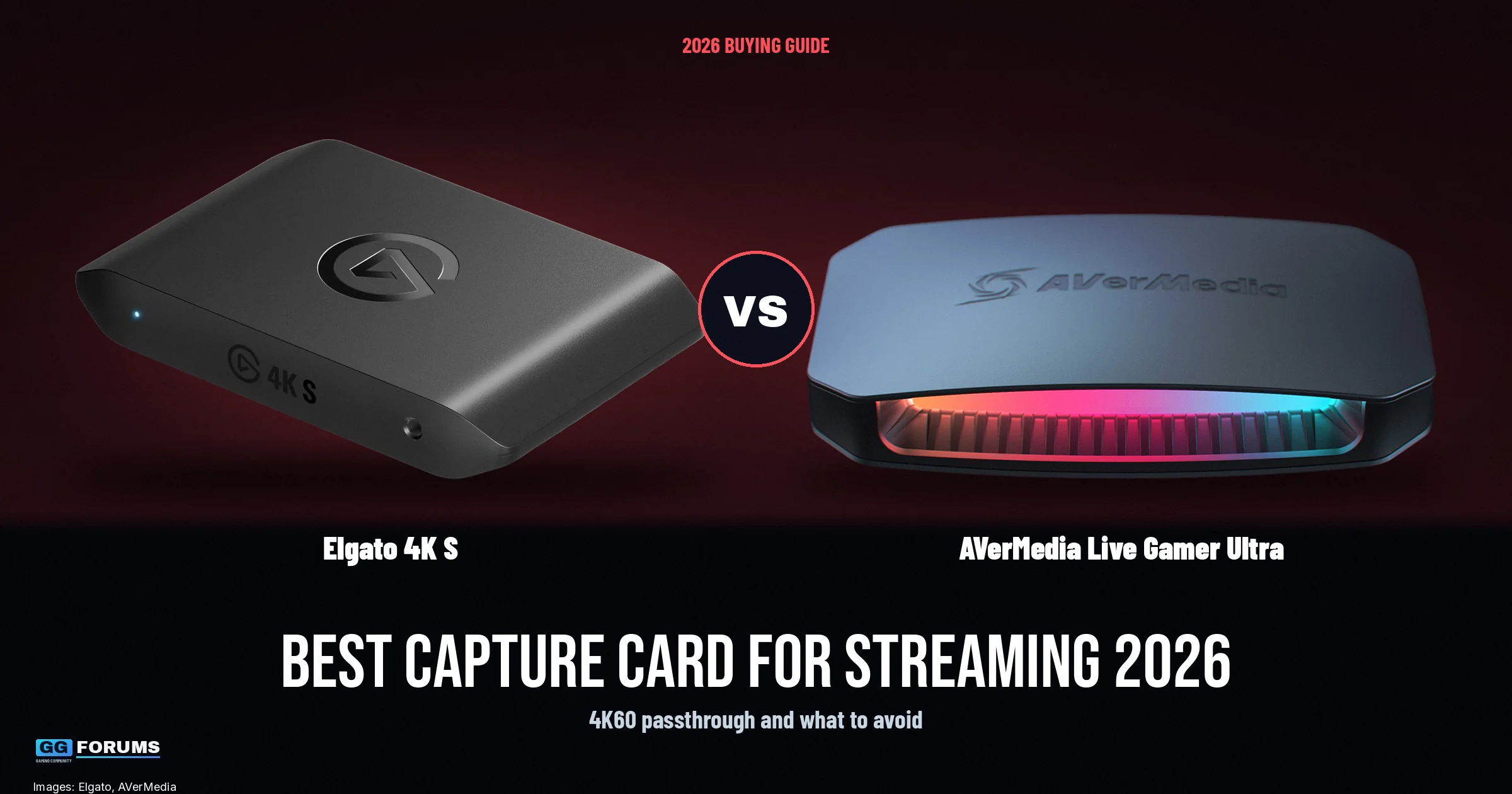
- 4K60 capture if your console outputs 4K and you actually want to record or stream in 4K. 1080p60 is enough for a lot of streams, and the files are much smaller.
- Passthrough (the HDMI out to your TV or monitor) should support the resolution, refresh rate, HDR, and variable refresh rate you play at, or the TV will be the compromise, not the stream.
- USB 3 and a driver-free or OBS-friendly path matter more than a "4K" logo on the box.
- If you only stream PC games played on the same PC, you do not need a capture card. OBS captures the game directly. Buy one when you are bringing in a console, camera, handheld, or second PC. Internal PCIe or external USB both work.
- Do not buy a 1080p-only card if you need 4K60 capture. That is the real split between older 1080p units and current 4K60 models.
- Do not ignore software. The main knock on the AVerMedia is that the full 4K feature set sits behind its app. The Elgato path is simpler, and you pay for that.
- Check HDMI version, HDCP, and passthrough before you buy, especially for PlayStation, Xbox, or a high-refresh 1440p monitor.