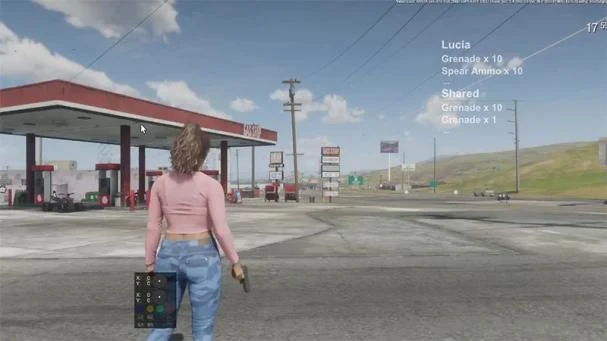
Step 1: Wait 5–10 secondsSometimes the game may automatically reposition your character. Avoid pressing buttons immediately.Step 2: Reload the last checkpoint
Press Options on PS5 or Menu on Xbox.
Select Retry Checkpoint.
Restart the affected section.
Step 3: Load your previous save
Open the pause menu.
Select Game.
Choose Load Game.
Select your latest working save.
Step 4: Restart GTA 6
Close the game completely.
On Xbox, remove it from Quick Resume.
Restart the game.
Load your previous save.
Step 5: Install the latest updateCheck for GTA 6 updates on your console and install any available patches.These are workarounds, not guaranteed permanent fixes. Rockstar has not confirmed a specific patch fixing this particular glitch as of November 28, 2026.
OPEN CHANNEL // THREAD REPLY
ADD TO THE SIGNAL.
Share a reaction, theory, question, discovery, or evidence. Keep it useful and on topic.
POSTING GUARDRAILSUP TO 20,000 CHARACTERS10-MIN GRACE + 5 EDITSEDIT DURING THE FIRST 2 HOURS3 IMAGES / MEMBER / TOPIC1 VIDEO EMBED / POST · NO UPLOADS2 ACTIVE LINKS / MEMBER / TOPIC
WANT IN?
Reading is public. Create a unique handle and passkey to reply.